
Activity Plan
What needs to happen, who does it, and when? With the whole team you think up the activities, cluster them, divide the tasks and build the schedule together (creative structuring). At the end you download the activity plan as an Excel file, with the Gantt chart, the task allocation and a sheet where each team member can estimate the hours for their own activities. You load that file again later: to update the plan at a Project Fresh-up, or in Risk Management.
- Where in PDC
- Project Startup, after the project definition; Project Fresh-up in the execution phase
- With whom
- The whole project team
- How long
- About 1 hour and 45 minutes; longer with a large team or many activities
- Output
- Activity plan (Excel, with a sheet for the hours, and PDF)
Why together?
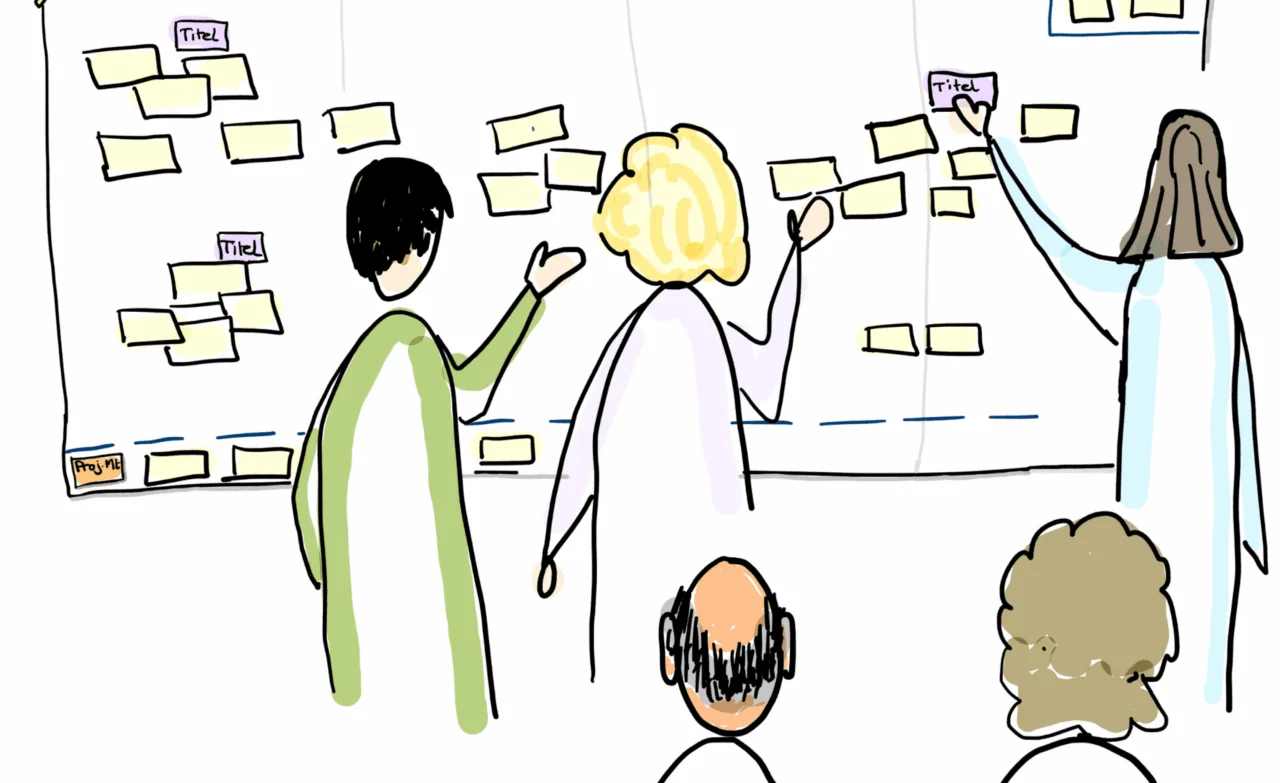
How you make the plan matters as much as what is in it. If you draw it up together, commitment grows and you use the knowledge of the whole team. On the wall you do that with sticky notes and flip charts. In Sessions you follow the same steps, on one screen everyone can see, and you have a schedule you can share right away.
How the session runs
Thinking up activities
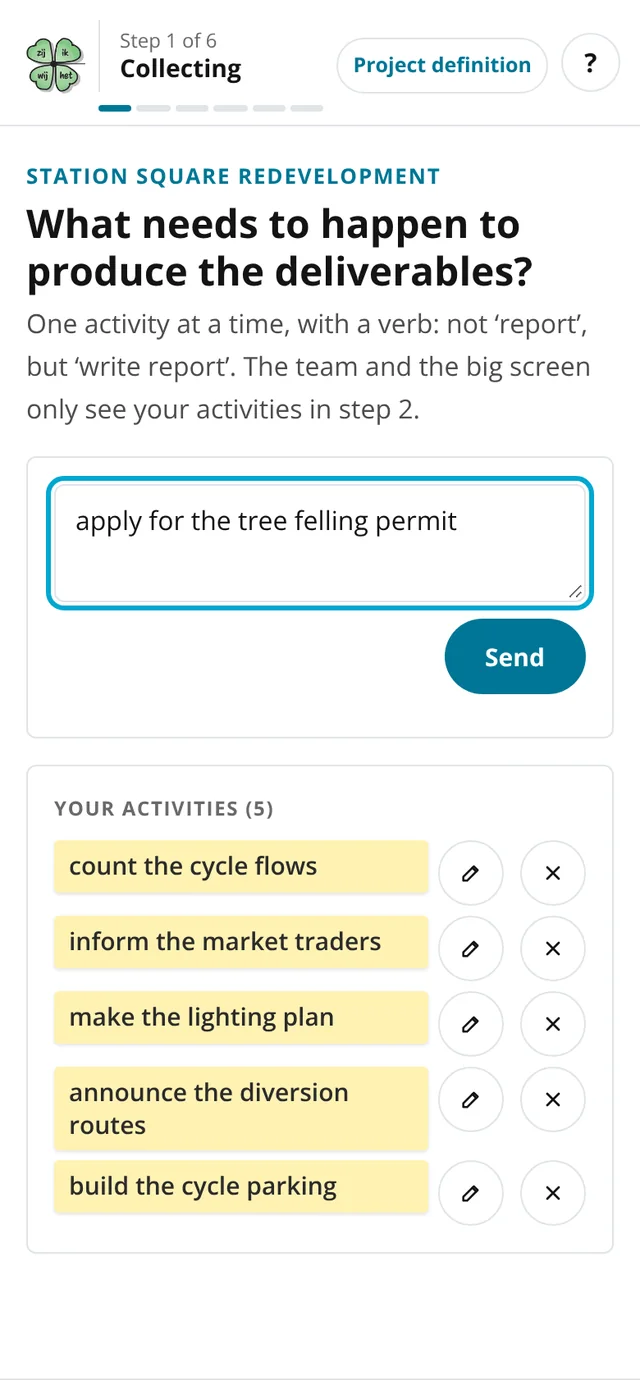
Everyone thinks up activities in silence on their own laptop or phone, with a verb: not “consultation evening”, but “hold consultation evening”. The project definition is alongside as a starting point.
Deciding and clustering
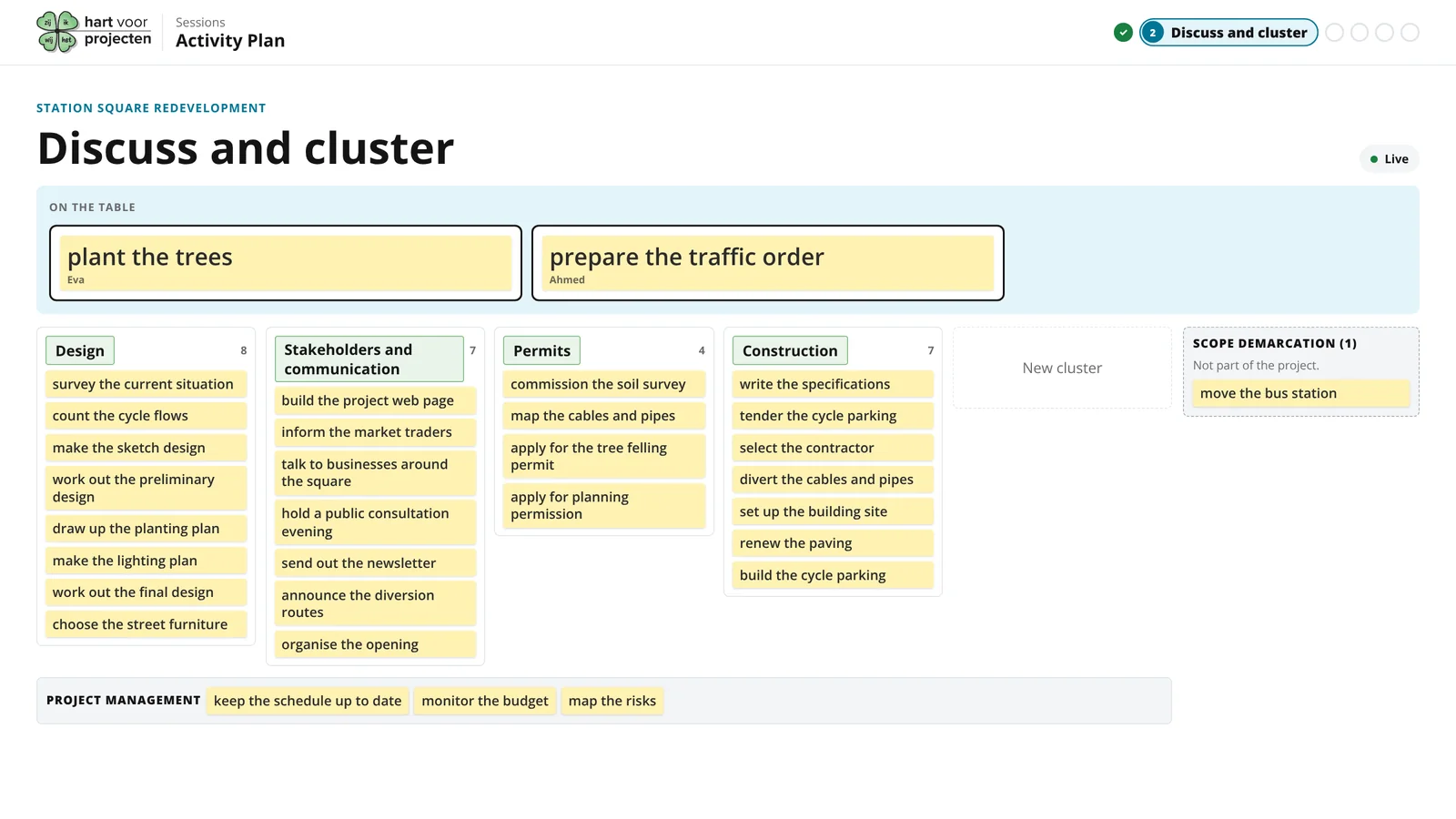
Taking turns, team members put their activities on the table. Together you decide: is it clear what is meant, and does it belong to this project? That is how the clusters emerge; whatever does not belong to the project goes to the scope demarcation.
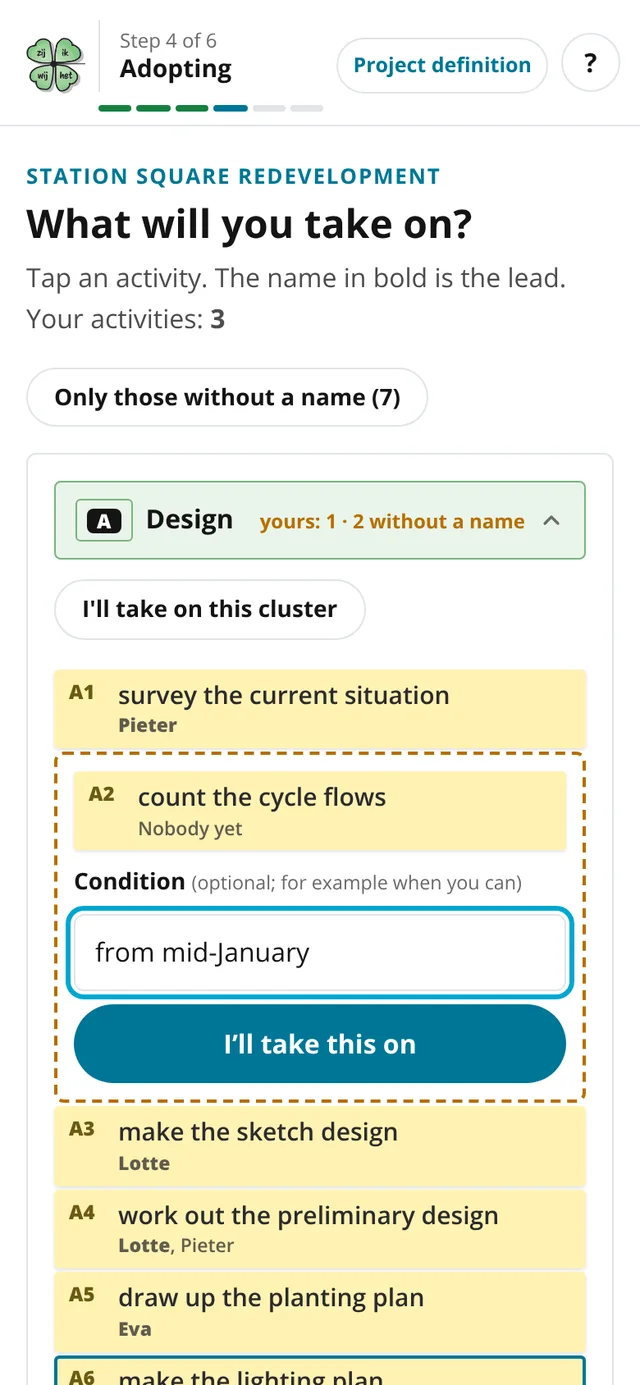
Dividing tasks
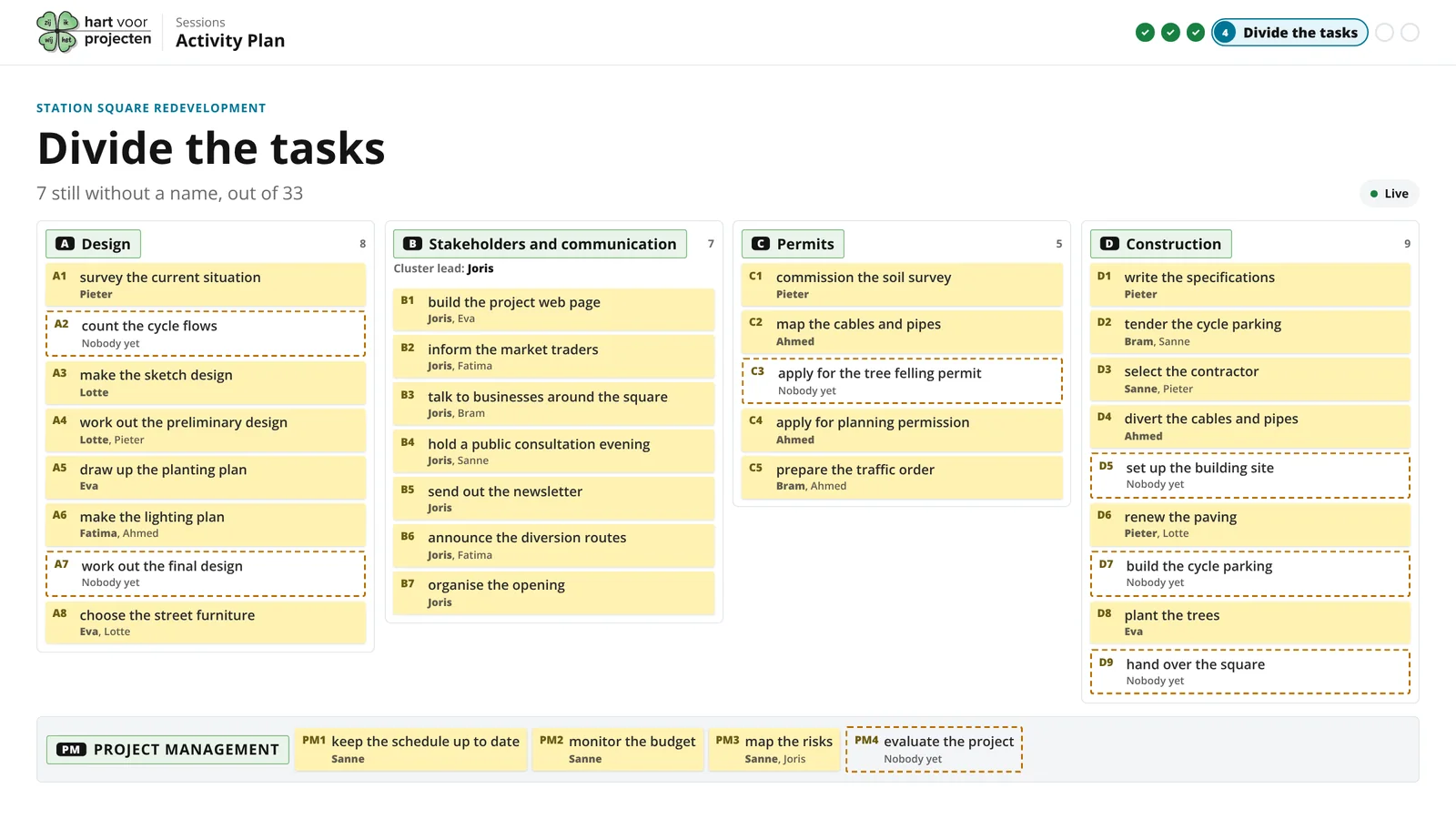
Everyone signs up for activities and clusters: “I’ll take this on.” You see straight away which tasks have no owner yet.
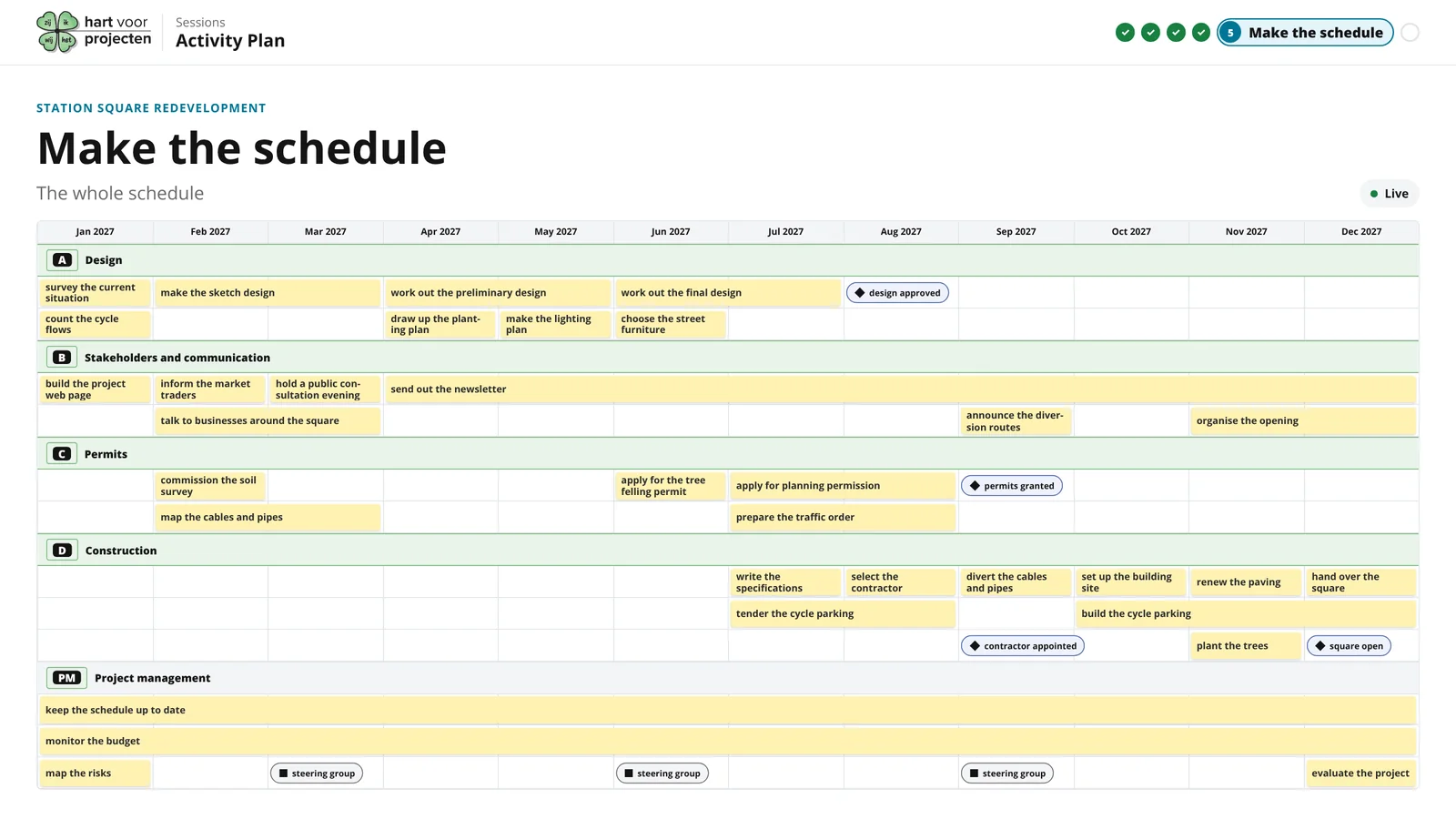
The schedule
In small groups per cluster you put the activities on the timeline, with interim results and what follows what: by week, fortnight, month or quarter. Then everyone moves cards at the same time until the schedule fits.
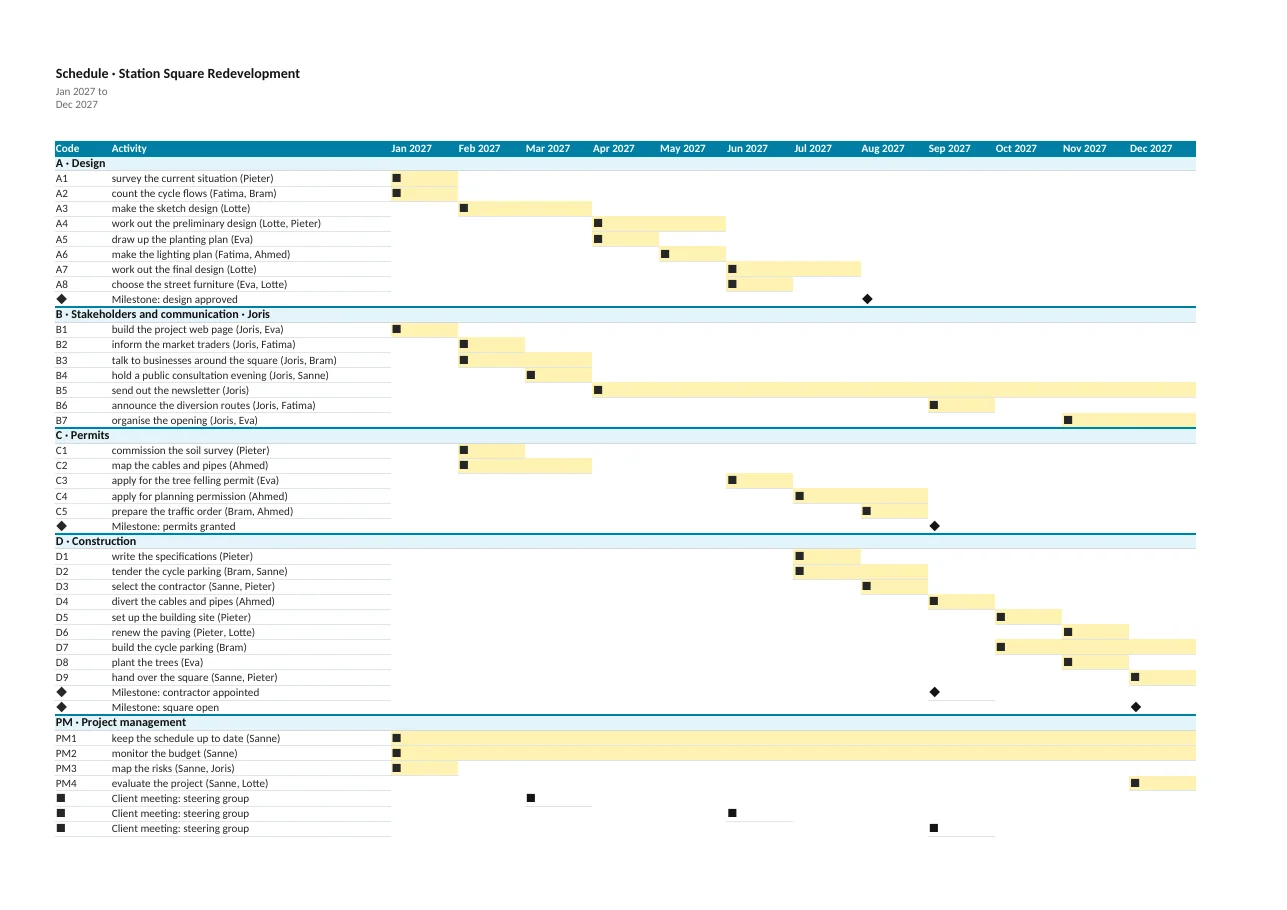
The result
You download the activity plan as an Excel file and as a PDF. In the Excel file you find the Gantt chart, the task allocation, the agreements and a sheet where each team member can estimate the hours for their own activities. Want to update the plan later, for example at a Project Fresh-up? Load the Excel file when you set up a new Activity Plan session. You can also load it into Risk Management.
What does a session cost?
One start code is good for one session with this format. You receive it by email within two working days. With the example in the format you practise first, without using up the code.
Good to know
- You build on the project definition: the deliverables and the scope demarcation from Project Definition are right there. That also works with the Word file or the PDF from Project Definition.
- You don’t have to start from scratch: you can load an existing plan and sharpen it together, for example at a Project Fresh-up. Is the plan in another file? Then you use your organisation’s own AI tool.
- When you cluster, you don’t have to think up the names yourself: the deliverables and sub-deliverables from the project definition are ready as suggestions.
- Project management always has its own cluster, with the team meetings and the meetings with the sponsor or client.
- The team aligns the schedule together: everyone moves cards on the timeline at the same time, and you see straight away which activity starts too early. That makes the dependencies in the schedule very clear for the team.
- Does the plan come from Risk Management? Then you see which activity is a measure, and which risk it belongs to.
The other formats
For projects
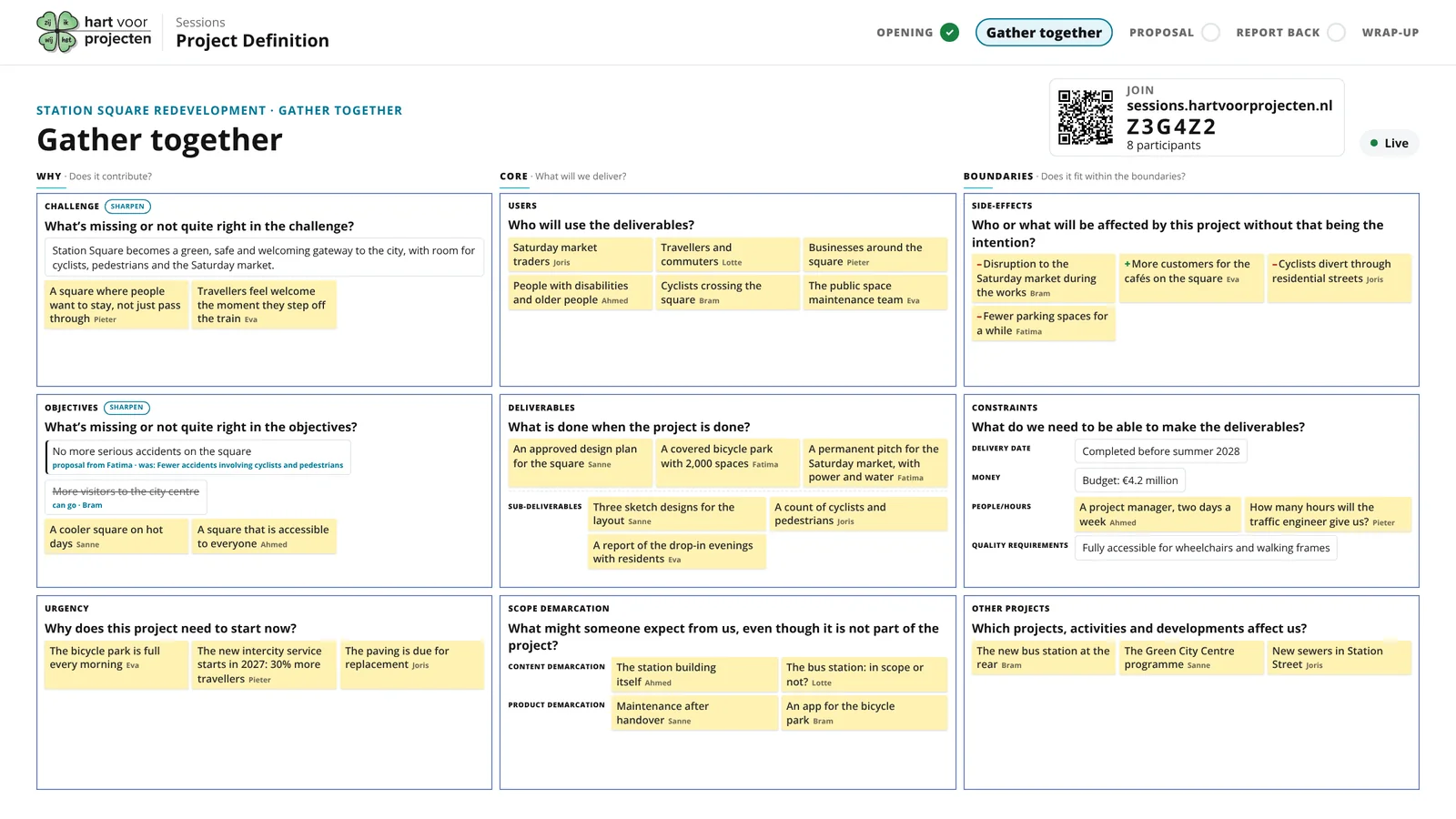 PDC · the WHATProject DefinitionTogether you agree what the project will deliver, for whom, and what is explicitly not included.More about this format →
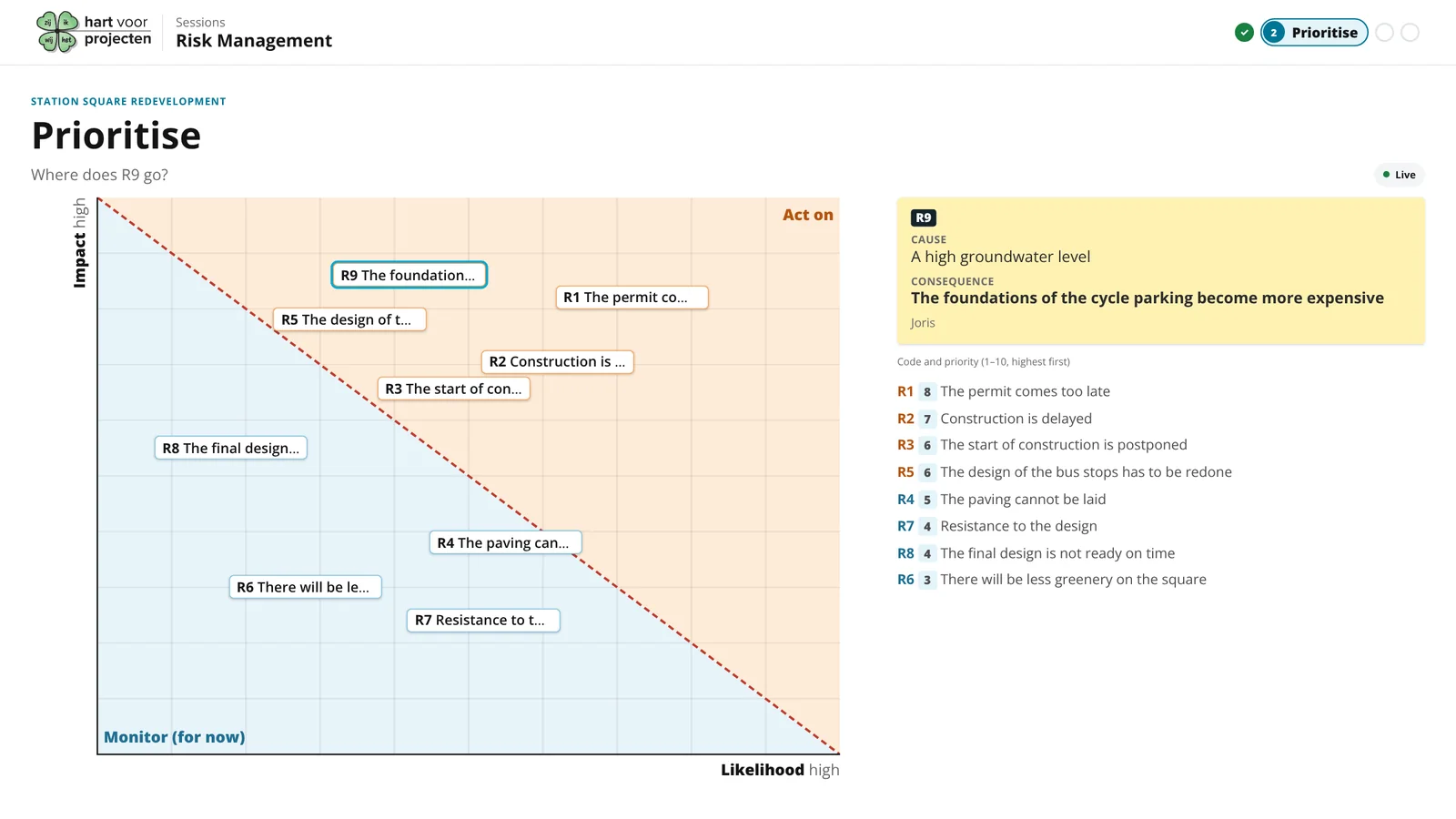 PDC · the risksRisk ManagementTogether you map out the risks, choose which ones to act on and put the measures straight into the activity plan.More about this format →
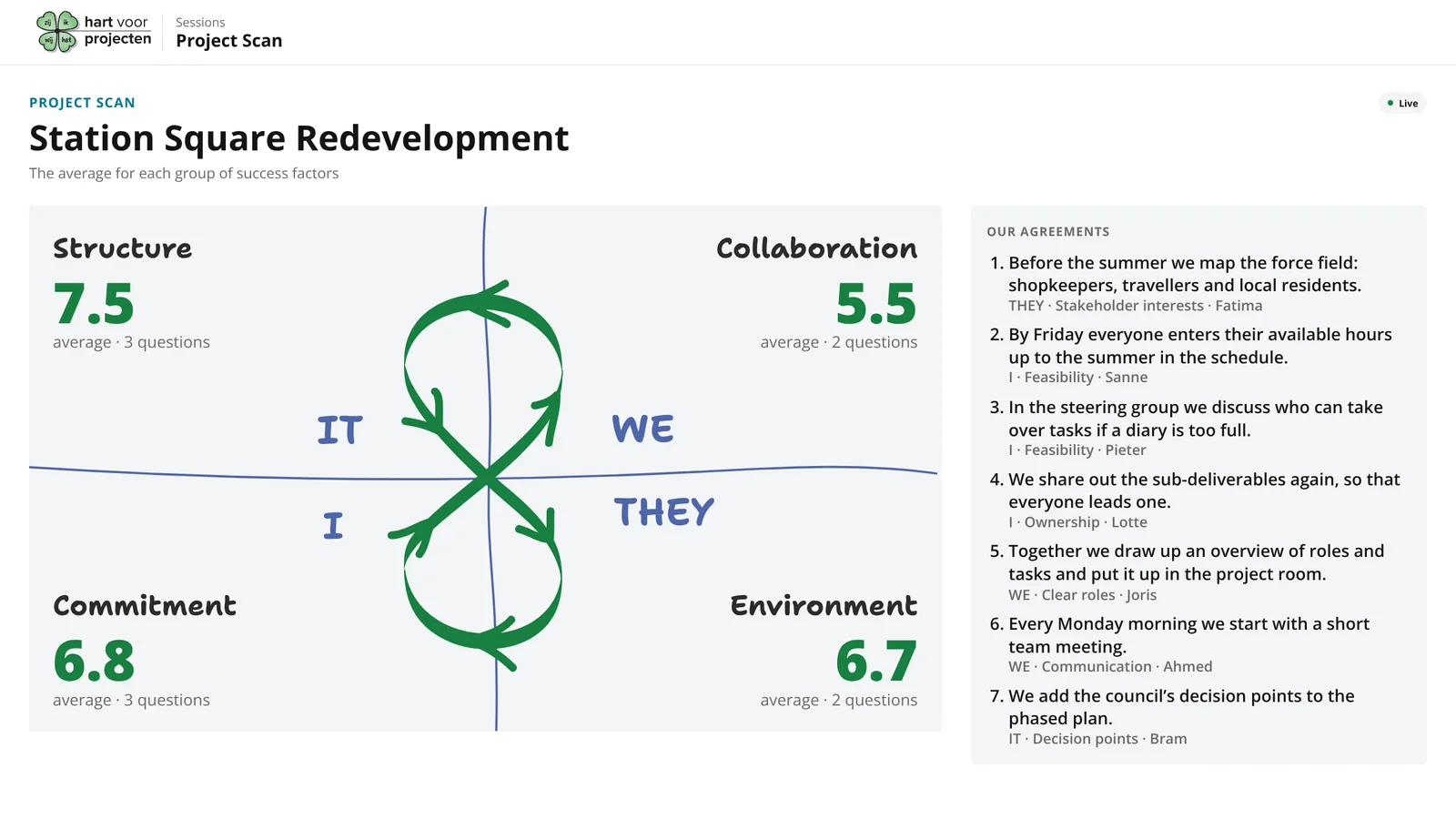 PDC · any timeFree with every start codeProject ScanHow is the project doing? Everyone scores the success factors, and the screen shows the team’s picture.More about this format →
For programmes: Goal Tree · Programme Course


